Why You Need a Password Manager in 2026
The average internet user today has over 100 digital accounts. Memorizing unique, 16-character passwords for every single one is humanly impossible. This leads to the most dangerous habit in cybersecurity: Password Fatigue.
What is a Password Manager?
A password manager is a digital vault that stores all your login credentials in an encrypted format. Instead of remembering 100 passwords, you only need to remember one: your Master Password.
How Does Encryption Work?
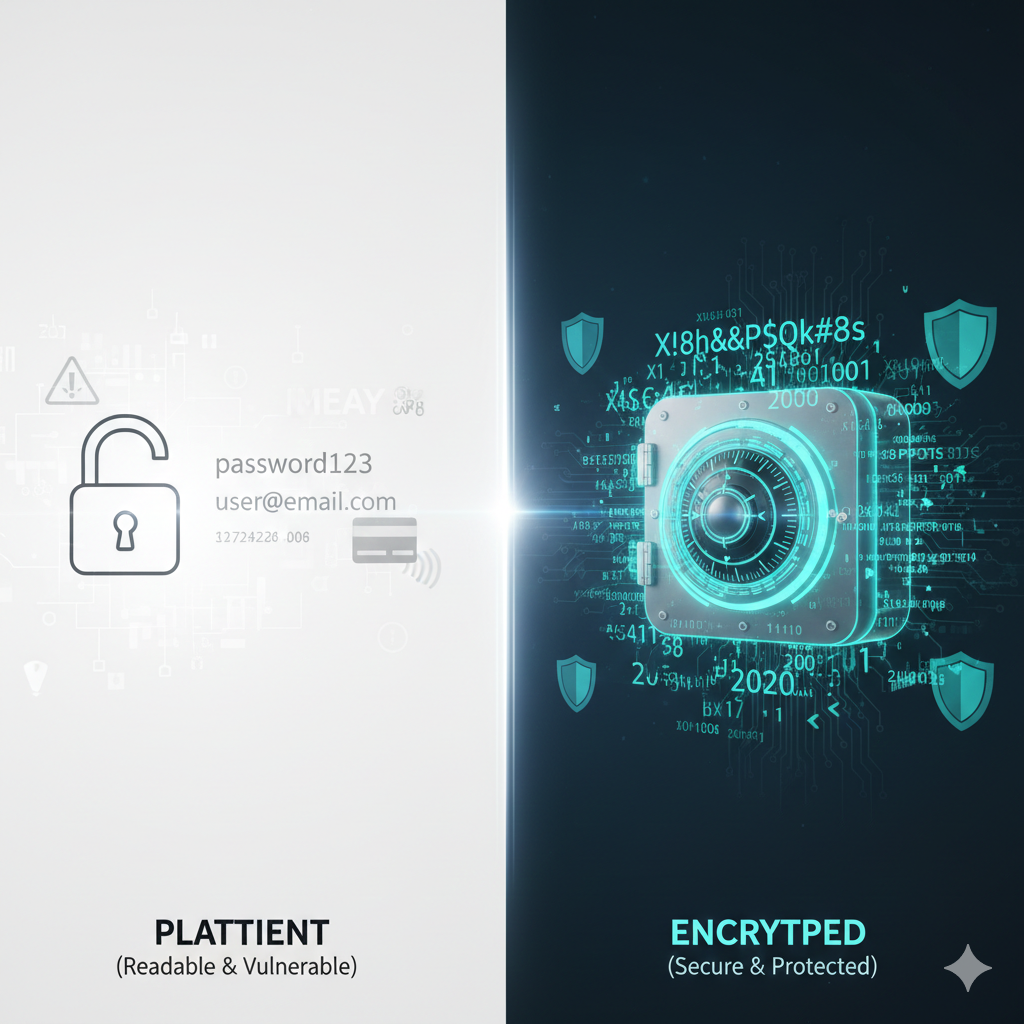
Modern managers use AES-256 bit encryption. When you save a password, the software scrambles it into an unreadable string of characters. This data can only be unscrambled using your Master Password. Most importantly, top-tier managers use "Zero-Knowledge" architecture, meaning they never actually know what your Master Password is.
Key Benefits of Using a Vault
- Auto-Fill Convenience: Log into apps and websites with one click.
- Security Audits: Most managers will tell you if your passwords are weak or have been leaked in a data breach.
- Secure Note Storage: Safely store digital copies of passports, credit cards, and recovery keys.
- Cross-Platform Sync: Access your passwords on your phone, laptop, and tablet instantly.
Cloud-Based vs. Local Storage
There are two main types of managers:
- Cloud-Based (e.g., Bitwarden, 1Password): Your encrypted vault is stored online, allowing for easy syncing across devices.
- Local/Offline (e.g., KeePassXC): Your vault stays on your physical hard drive. This is the most secure option but requires manual backups.
Pro Tip: Combine Tools
Use our Secure Password Generator to create a random string, then immediately save it into your chosen Password Manager for maximum security.
Conclusion
In 2026, relying on your memory for security is a risk you shouldn't take. A password manager combined with strong, randomly generated passwords is the single most effective way to prevent identity theft.